
Google RSS Feed Is Going Away!
Last Updated on June 17, 2013 by Janell

Your Google RSS Feed will disappear after July 30, 2013. This would be a problem for me because I follow so many awesome blogs. So after a little research, I found a good alternative to Google RSS feed. I think I will like this better.
Bloglovin' is a great alternative to your old RSS feed. Plus it will easily transfer your feed so you will not lose any of your favorite blogs! And make sure to follow my blog with Bloglovin! Here's some easy to follow instructions so you don't miss your favorite blogs!
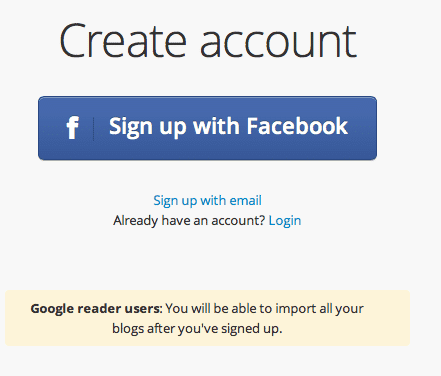
The first thing you need to do is to create an account (Use the email that is connected to your Google RSS feed.)Then they will send you an email to verify your email. Click the link in the email to verify your email address.
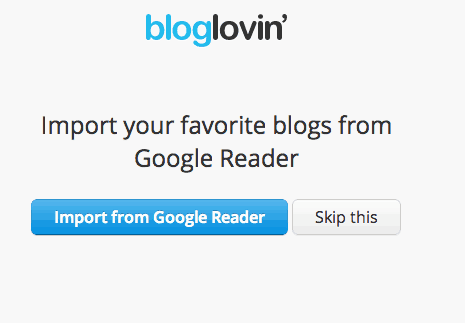
The next step is to tell Bloglovin' to import your current feed from Google Reader.
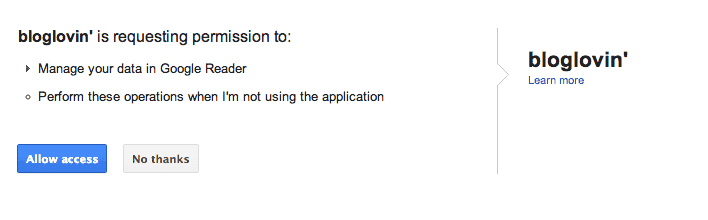
Let Bloglovin' access your feeds and they will do the work for you!
Wait while it imports your feeds. ( I had a lot!)

Check out your feed! I like this new way to read my favorite blogs. You see more of the article and you see a picture! I didn't know what I was going to do without Google Reader - but I think I will be ok 🙂
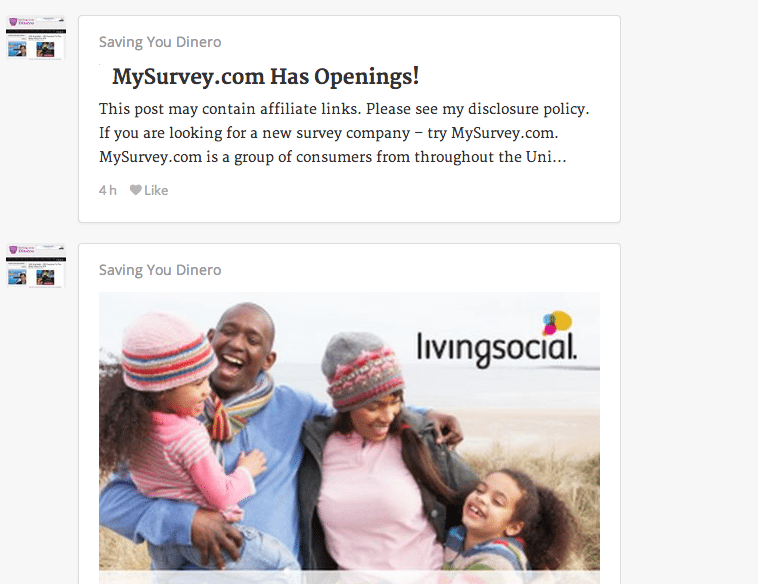
That's it! How easy was that? Now you have an easy way to read all your favorite blogs!
Don’t miss out on any deals, recipes, or giveaways – subscribe to my blog via email or RSS feed (or BlogLovin'). Also get updates on Pinterest, Facebook. and Twitter!




Thanks for sharing this! I had been shopping around for a new reader. YAY!
You're welcome 🙂 It's prettier then Google RSS!
Thank you!
thanks for the info Janell!
Thanks for the heads up! Great tutorial!